Docs
macOS agent
What it does
The host app holds the device credential from enrollment, talks to the production API,
and surfaces virtual certificates to macOS through CryptoTokenKit. When
codesign or Xcode requests a signature, the digest is sent to cloud custody for signing.
The Mac keeps public certificates and device credentials only — never private key bytes.
Enrollment
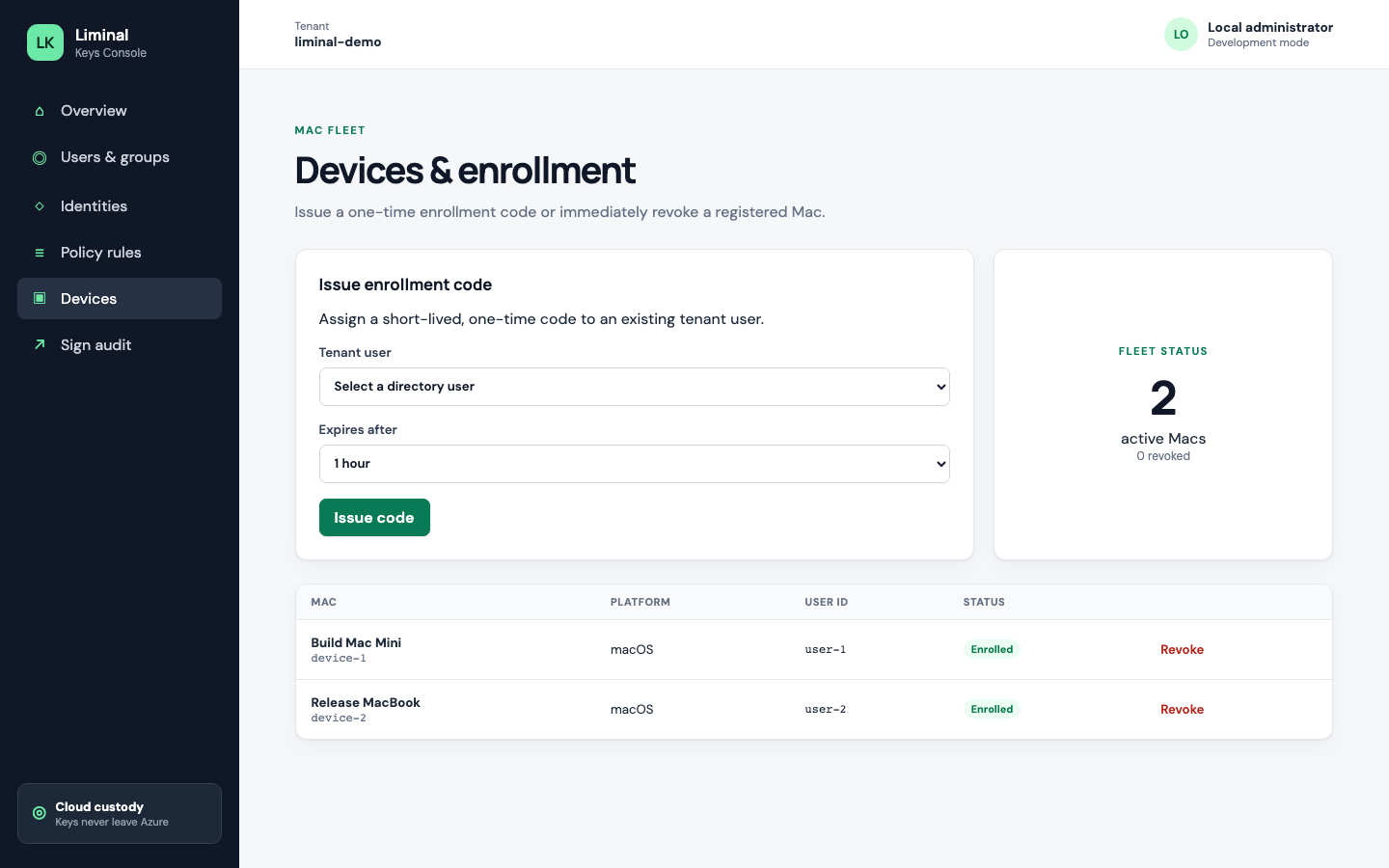
- In Console, open Devices and issue an enrollment code
- In LiminalKeysHost, set API URL to
https://api.liminalkeys.com - Paste the enrollment code, complete enroll, then refresh identities
- Approve the CryptoTokenKit extension in System Settings if macOS prompts
Signing with codesign and Xcode
After identities appear, use your normal signing workflow. Select the Liminal virtual identity where you would select a local certificate. The extension presents the public cert; the private operation happens in cloud HSM custody through the API.
Sign confirmation
If the applied Console policy rule requires confirmation, the first sign attempt does not return a signature. LiminalKeysHost prompts the user to approve or deny. Only after approval does the digest get signed. If the user denies, or no matching applied rule exists, the sign is refused and recorded in audit.
Troubleshooting checklist
- API reachable:
curl -s https://api.liminalkeys.com/healthshould return OK - Enrollment code not expired or already consumed
- Policy applied in Console after identity or rule changes
- Token extension enabled for the user session
- Host shows Connected and lists the expected certificate
- If confirmation is required, approve the prompt in the host before retrying the sign