Product
Cloud-hosted virtual certificates
The problem
Apple code signing needs a certificate and a private key. Keeping that key on every developer Mac
spreads custody risk. Moving signing to a shared HSM without a native Mac path breaks the tools
teams already use — codesign, Xcode, and CI on macOS.
The Liminal Keys model
Liminal Keys publishes the public certificate to the Mac and keeps the private key in cloud HSM custody. When the OS asks to sign, CryptoTokenKit routes the digest to the Liminal API, which signs in custody and returns only the signature.
- No private key export to disk or agent memory as a usable PKCS#12
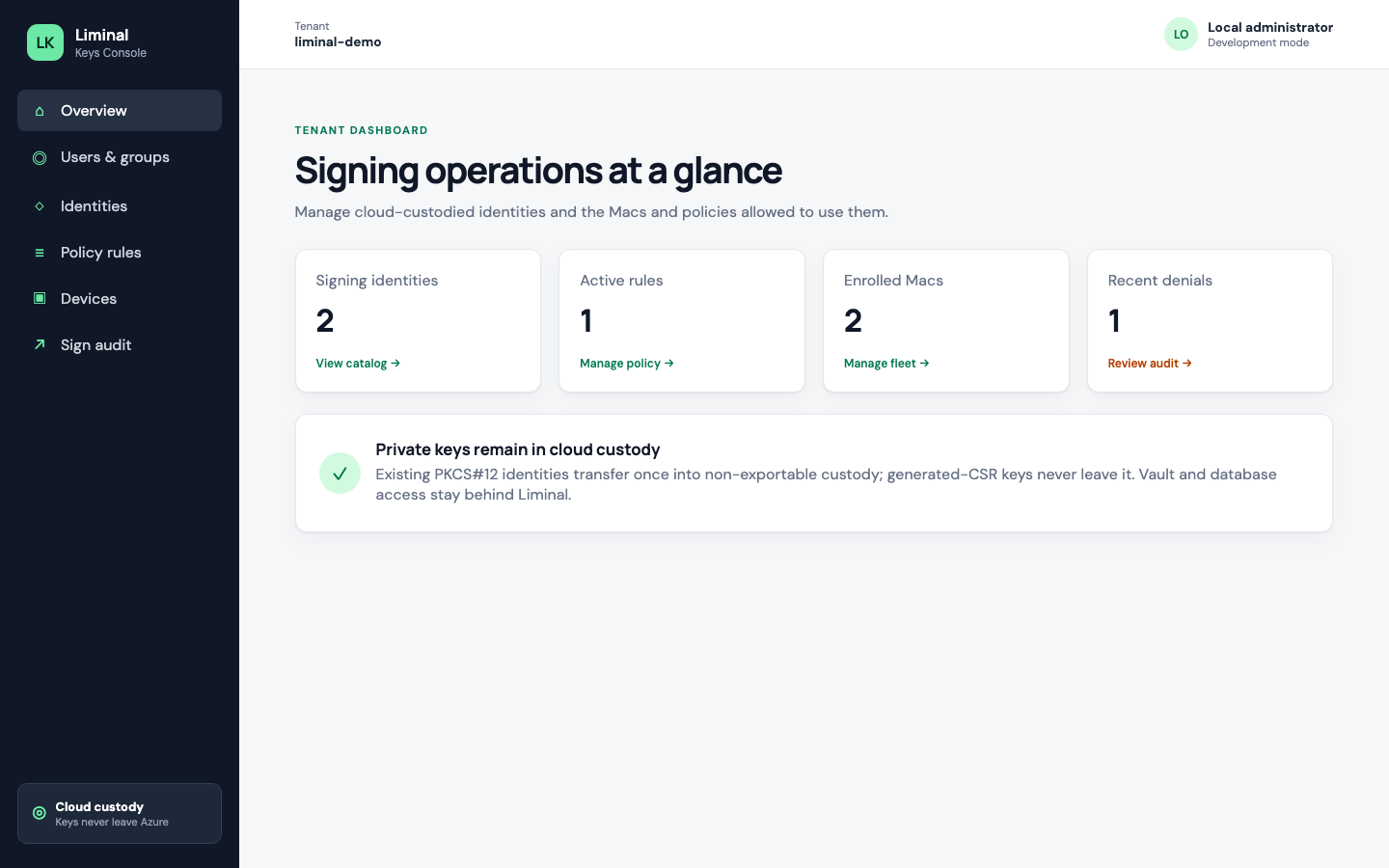
- Policy, enrollment, and audit live in Liminal Console (organization directory sign-in)
- Sign audit records outcome and identifiers — not digests, signatures, or key bytes
Who it is for
Teams that ship macOS or iOS apps and want cloud key custody for signing identities, with a first-class Mac agent rather than a Windows-only or browser-only workflow. The first release is macOS signing only.
In production: WatchTeams
WatchTeams — a shipping Apple Watch and iPhone Teams client — uses Liminal Keys for release signing. The team keeps Apple signing private keys in cloud HSM custody, enrolls the signing Mac, applies Console policy, and signs through CryptoTokenKit. TestFlight builds, including 1.7.0, shipped on this path without parking private keys on developer laptops.
Read the WatchTeams customer story →
What you operate day to day
Identities
Import an existing Apple PKCS#12 into non-exportable custody, or generate a key in custody, download a CSR, submit it to Apple, and complete the identity with the issued public certificate. Pending or expired identities never appear on enrolled Macs.
Devices & enrollment
Each Mac enrolls with a short-lived code issued in Console. After enrollment, the host holds a device credential, lists assigned public certificates, and can request signatures. Revoking the device stops signs from that machine on the next request.
Policy rules
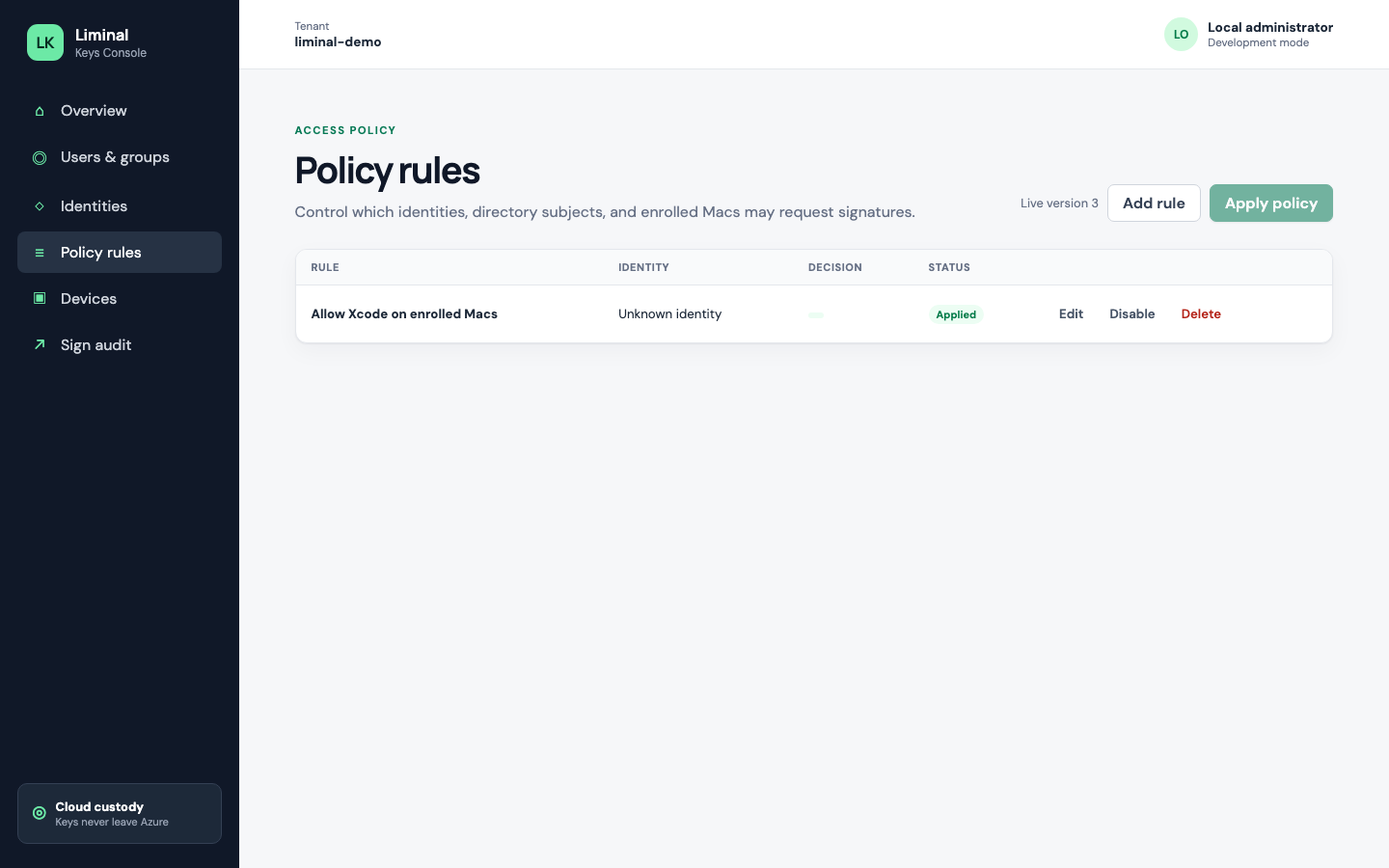
A rule answers: which identity may be used for sign, by whom (users, groups, and/or enrolled Macs), optionally only inside a validity window, and optionally only after the Mac user confirms. You list, add, change, enable/disable, and remove rules as drafts; Apply policy publishes the live set. No matching applied rule means deny. If one applied rule would allow and another would deny the same request, the result is deny.
Sign confirmation on Mac
When an applied rule requires confirmation, the first sign attempt returns no signature. LiminalKeysHost prompts the user; only after approval does the digest get signed in custody. Confirmation is policy-driven — not a separate app setting.
Audit trail
Every allow or deny produces an append-only audit record: tenant, device, certificate identity, outcome, and timing — without digests, signatures, or key material. Admins review history in Console.
macOS CryptoTokenKit path
The Mac agent is LiminalKeysHost plus a CryptoTokenKit extension. There is no DYLD insertion into
Apple platform binaries. After enroll and identity refresh, select the Liminal virtual identity in
codesign or Xcode the same way you would a local certificate.
What you get
- API — enroll, list certs, sign, and related operations at
api.liminalkeys.com - Console — tenant admin UI at
console.liminalkeys.com - Mac host + CryptoTokenKit extension — enroll, refresh identities, confirm when required, sign locally through CTK