Docs
Getting started
Service URLs
| Role | URL |
|---|---|
| API | https://api.liminalkeys.com |
| Console | https://console.liminalkeys.com |
Operator path
- Open Console Sign in with your organization’s Microsoft work account at console.liminalkeys.com.
- Prepare an identity Import a PKCS#12 into custody or generate a CSR, complete it with the issued certificate, then create policy rules (subjects, optional confirmation) and Apply policy.
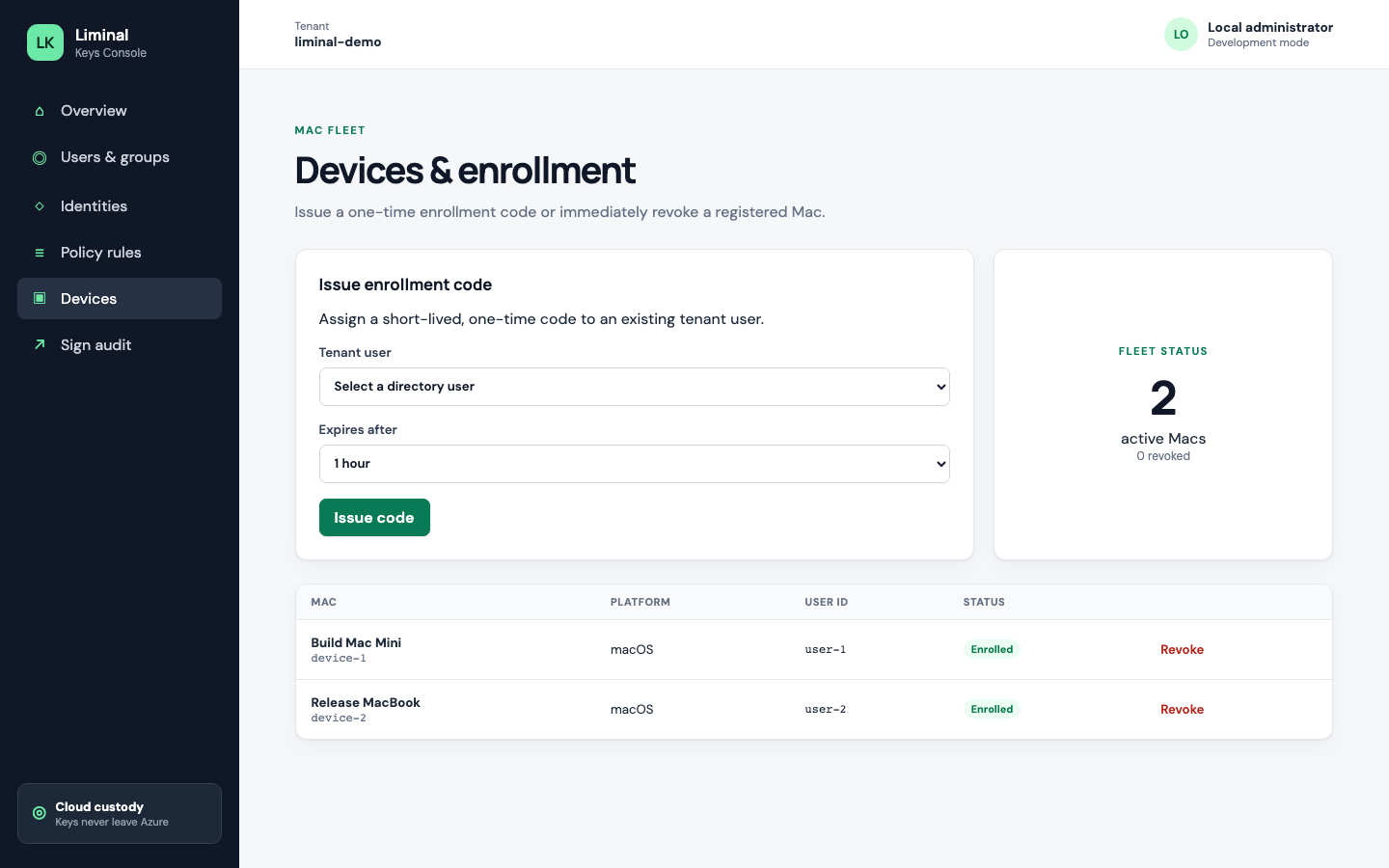
- Issue an enrollment code Create a short-lived enrollment code for the Mac that will sign. Treat it as a secret.
-
Enroll the Mac
In LiminalKeysHost, set API URL to
https://api.liminalkeys.com, paste the code, enroll, and refresh identities. -
Enable CryptoTokenKit and sign
Allow the token extension when prompted. Sign with
codesignor Xcode as usual. If a rule requires confirmation, approve the prompt in the host.
Next: Console guide · macOS agent · Security